

Use Tailscale after the same-Wi-Fi quick start works. Tailscale connects your phone, tablet, Mac, VPS, and other machines through a private tailnet, so Redock can reach SSH without exposing the SSH port to the public internet.
Recommended Model
Use Tailscale for network connectivity and keep normal SSH for authentication:
- Tailscale provides the private IP or MagicDNS name.
- macOS Remote Login or the Linux SSH server provides standard SSH.
- Redock signs in with the normal username plus password or SSH key.
This is usually more predictable than enabling Tailscale SSH for Redock, because Tailscale SSH uses its own authentication and authorization flow.
Install and Connect
- Install Tailscale on the Mac or server.
- Install Tailscale on the iOS or Android device running Redock.
- Sign in to the same account or tailnet on both devices.
- Confirm both devices show Connected.
- Keep Remote Login enabled on macOS, or keep
sshdrunning on Linux. - Find the machine's Tailscale IP. It usually looks like
100.x.y.z. - If MagicDNS is enabled, you can use the machine name instead.
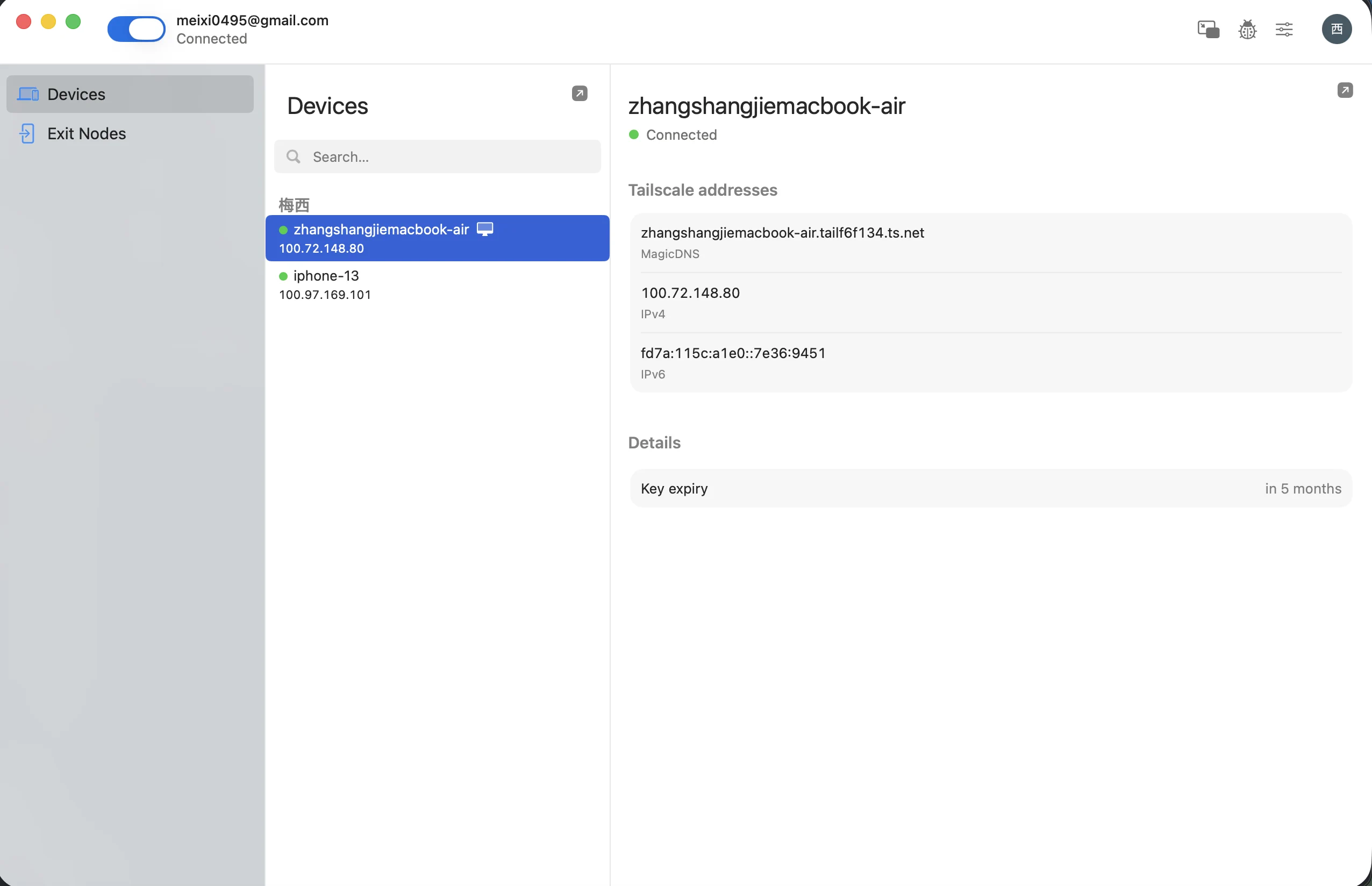
Redock Host Settings
Use the Tailscale address as the Host:
Host: 100.72.10.25
Port: 22
Username: your-mac-username
Auth: Password or SSH Key
Connection Mode: SSH
With MagicDNS:
Host: home-mac
Port: 22
Username: your-mac-username
Auth: SSH Key
Connection Mode: SSH
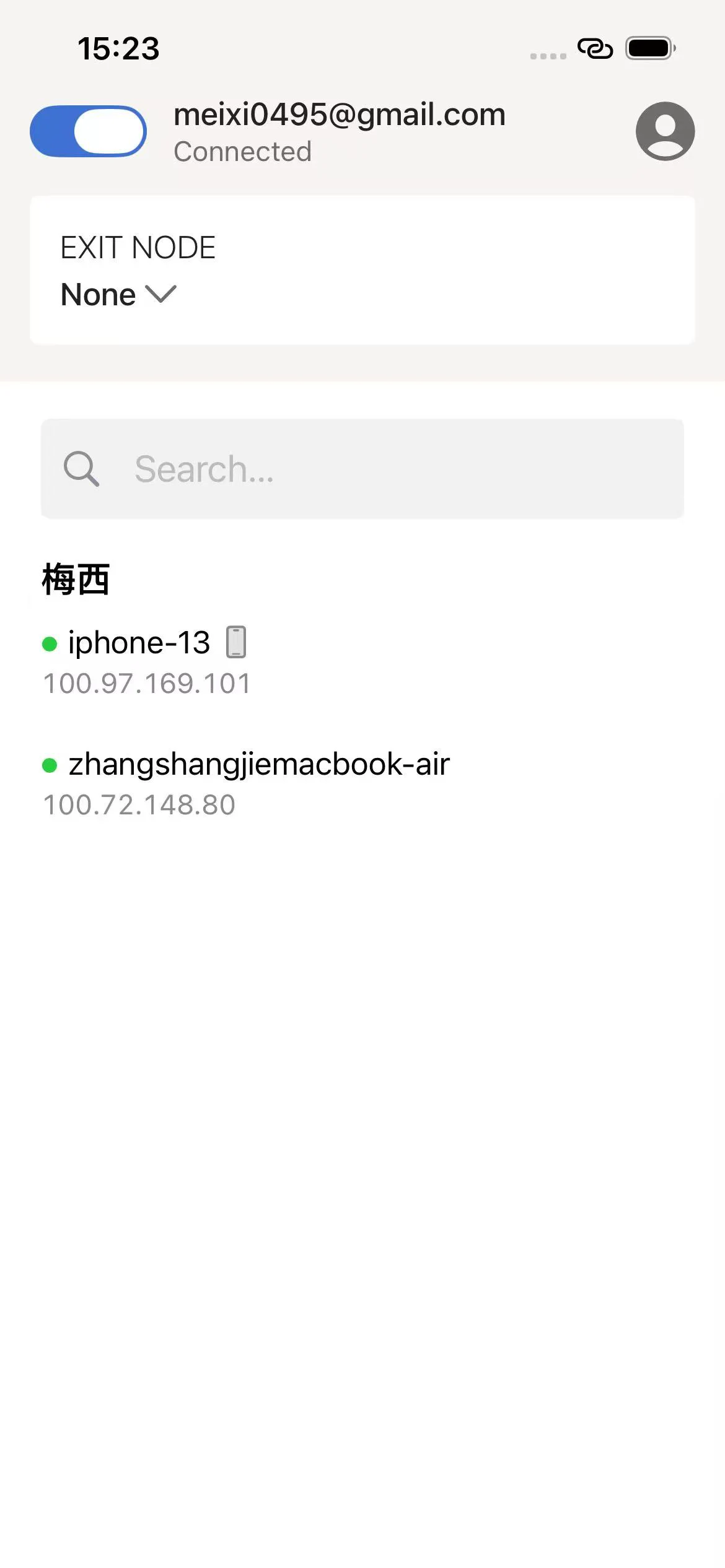
When to Use Tailscale
- You often move between cellular and Wi-Fi.
- You want to reach a home Mac from outdoors.
- You do not want to configure router port forwarding.
- You do not want to expose SSH to the public internet.
- You need stable access to private machines across locations.
About Tailscale SSH
Tailscale SSH is a separate feature that manages SSH authentication inside the tailnet. Redock works best when Tailscale only provides the network path and Redock still connects to a standard SSH server.
Only enable Tailscale SSH if you understand its auth behavior and have confirmed your current SSH client setup works with it.
Troubleshooting
- If the Host does not resolve, try the
100.x.y.zTailscale IP before using MagicDNS. - If the connection times out, open the Tailscale app on the mobile device and confirm it is connected.
- If authentication fails, troubleshoot the SSH username, password, key, and
authorized_keys; Tailscale connectivity alone does not authenticate SSH. - If the Mac sleeps, adjust power settings so it stays reachable.