
TUI
Agent terminal sessions fit the mobile screen.
Mobile terminal for remote agents
Redock is a mobile SSH terminal designed for agents. Connect from your phone or tablet, control Claude Code, Codex, OpenCode, and other agents running on your own host.


Agent control, wherever you are
Typing commands and long prompts on a phone is tedious. Redock connects to your host over SSH or Mosh, with mobile-friendly terminal controls, one-tap actions, and voice input to check progress and keep agents moving. Your code and agents stay on your own machine.
Agent terminal sessions fit the mobile screen.
Resume agent sessions, tmux work, or saved checks.
Speak longer prompts, review them, then send.
A terminal first
Redock adds mobile-first controls around the terminal: staged prompts, snippets, command modes, recovery, and session history.
Use SSH or Mosh to bring your dev machine into Redock as a real remote terminal session.
Open a familiar working directory with the commands and snippets you use repeatedly.
Start interactive TUI sessions, fire quick checks, or send longer work to tmux.
Live sessions, quick outputs, and background logs stay easy to find when you come back.
Built around your terminal workflow
Redock keeps the terminal as the primary surface, then adds mobile-first input, tmux continuity, and recovery paths around it.
From connection to continuation
Start on the same Wi-Fi, then use Tailscale, ngrok, or a hardened public server when you need remote access away from home.
Pin the host and working directory, then keep project specific actions and snippets near the terminal.
Launch Codex, Claude Code, OpenCode, shell scripts, tests, or deploy tasks from saved actions in your remote terminal.
Activity and tmux entry points bring you back to the right connection or long task after the phone disconnects.
Beyond a raw shell
Projects, Actions, an agent-tuned terminal, and tmux turn remote access into a mobile workbench for coding agents.
Product screenshots
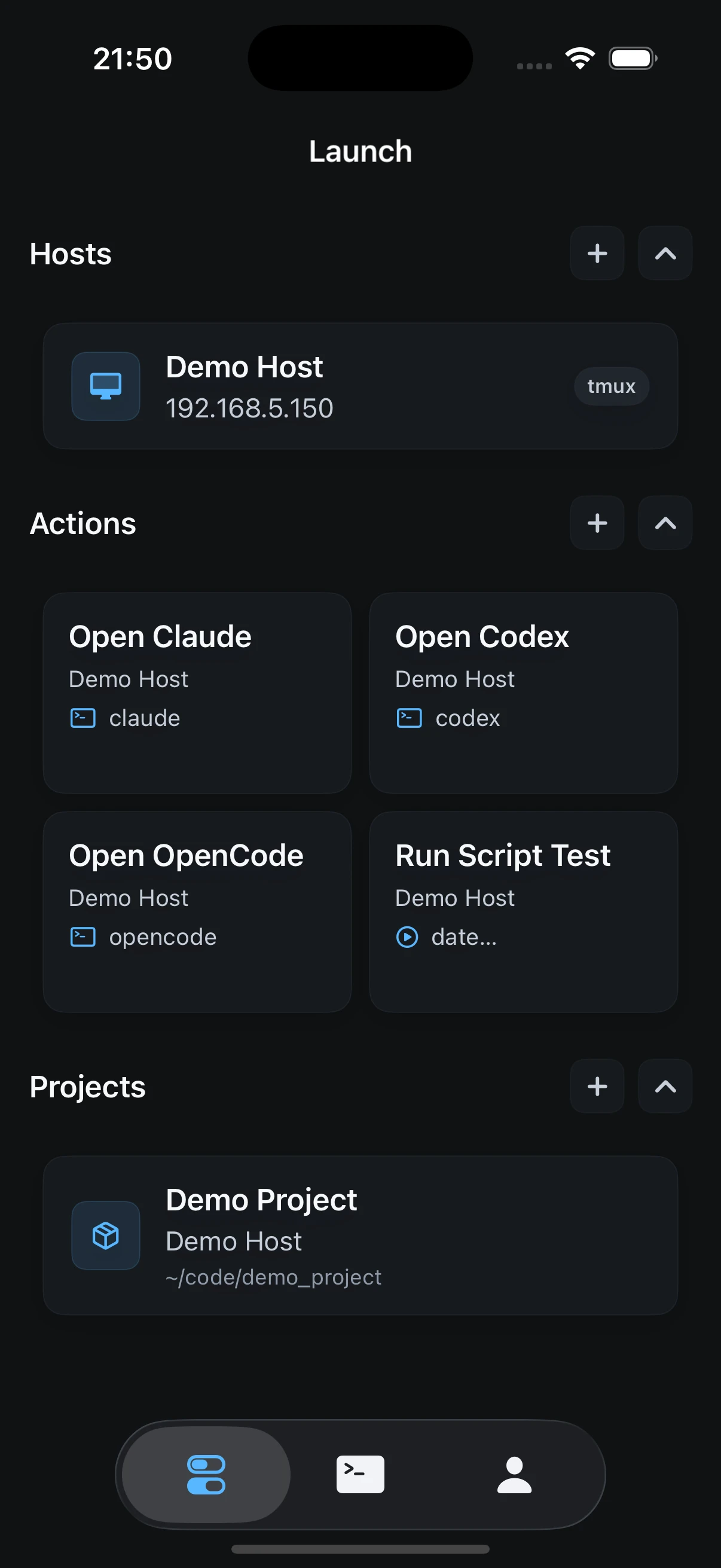
Structured SSH access, remote terminal workflow, TUI controls for coding agents, custom input, and tmux persistence.

Setup guide
The recommended first setup is simple: enable Remote Login on your Mac, keep your phone and Mac on the same Wi-Fi, discover the device in Redock, and connect with SSH. After that works, add Tailscale or another network path for outdoor access.
Fastest first run. Use local discovery or a 192.168.x.x address with port 22.
Recommended for daily use across networks without exposing SSH publicly.
Useful for temporary access when you need a public TCP tunnel to a local machine.
Works well with SSH keys, restricted users, and a hardened server setup.
User stories
Open Activity, resume the existing tmux session, read what the agent did, then send one correction without opening a laptop.
Tap a saved action for git status, tests, or a health check. The output becomes a Run record instead of a disposable terminal scrollback.
Record a technical instruction, edit the transcript in staged input, and send it to the coding agent when it is ready.
Build Anywhere
Steer terminal coding agents on your own host, right from your phone.